Fifteen people arrive at once and the first twenty minutes of the booking go on handwriting.
For New Zealand activity operators
Paper waivers belong in the bin.
Your customers sign on their own phone before they turn up. You get a searchable record, they get a PDF copy, and nobody queues at a clipboard.
- 25 signed waivers free
- $29/month after that
- No card, contract or app
This is a real form. Go on, sign it.
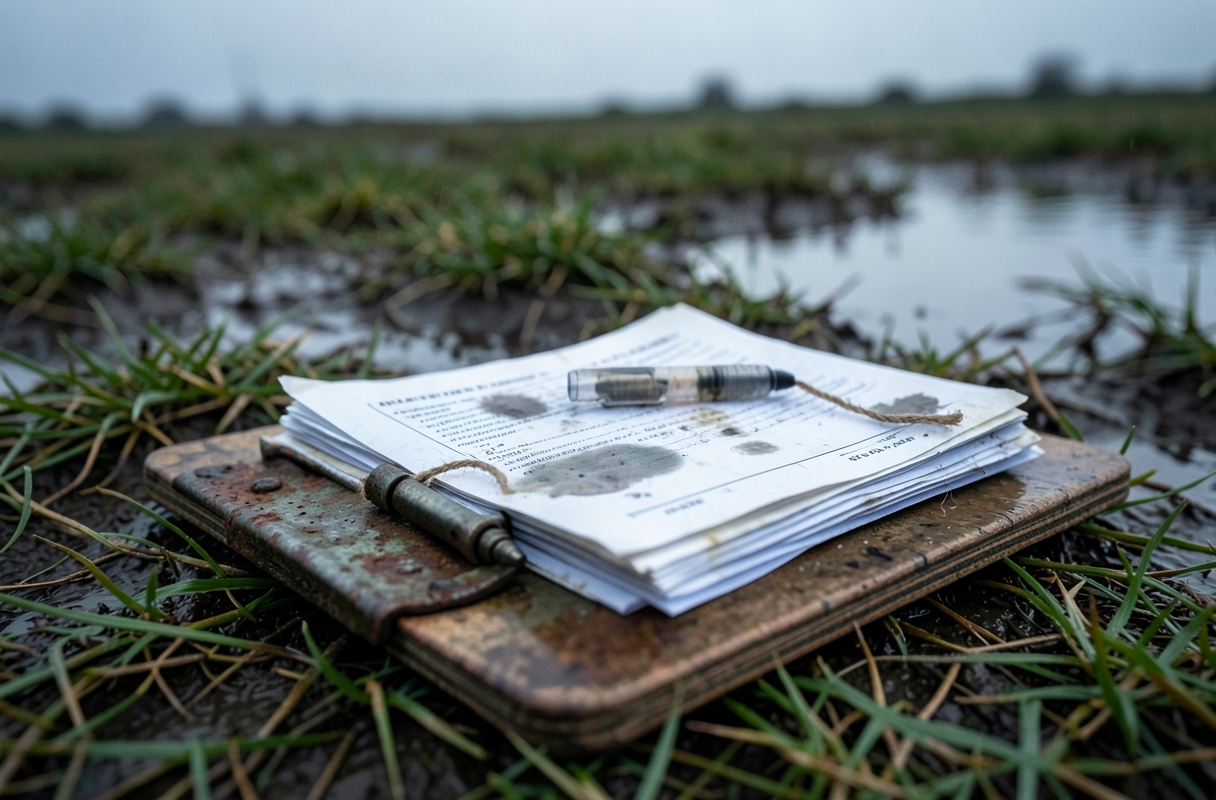
The clipboard was never the plan.
Twelve kids, twelve parents, and three of them dropped off at the gate without signing anything.
Someone rings about an injury from March. The form is in one of four banana boxes. Probably.
How it works
Ten minutes to set up. Then it just runs.
- 01
Pick your activity
Start from wording written for New Zealand, with the risks and rules for your kind of operation. Change every line or paste in your own.
See the templates → - 02
Put the link where people book
Add it to your booking confirmation, your website, and the QR poster we generate for your counter. A tablet works as a kiosk too.
- 03
Find any form in seconds
Search by name, phone or a child's name. Open the exact wording they agreed to, with their signature, time and date.
What you get
Everything the clipboard did, minus the clipboard.
One parent, the whole carload
A parent or guardian signs once and lists every under-18 they're responsible for. Each child is searchable by name on the day.
Signed before they arrive
One link works for a stag do of twenty. Everyone signs at home, on their own phone, without downloading anything.
Medical notes up front
Asthma, a dodgy knee, a pregnancy. You know before the safety briefing, not after.
They keep a copy
Every signer is emailed a PDF of exactly what they agreed to.
QR poster for the counter
Print it, stick it up, done. Walk-ups scan and sign while you fit masks.
The wording is frozen
Change your form next year and old records still show the version each person actually signed.
Export any time
Download everything as a spreadsheet whenever you like. Your records are yours, and they stay yours if you leave.
Tablet at the counter
Kiosk mode for walk-ups. It resets itself after each person.
The honest bit
What a waiver does in New Zealand. And what it doesn't.
Most waiver software is American, where a signature can decide a lawsuit. It works differently here, and anyone who tells you a form makes you bulletproof is selling something.
✓ It does
- Show that you told people about the risks before they took part, and when.
- Record that they agreed to your rules, so removing someone who breaks them is straightforward.
- Collect medical notes and an emergency contact while there's still time to act on them.
- Capture a parent or guardian's consent for under-18s.
- Give you a dated record you can find when an insurer, WorkSafe or a customer asks.
✕ It doesn't
- Change anyone's ACC cover. Injuries are covered whether or not a form was signed.
- Remove your duties under the Health and Safety at Work Act. Those can't be signed away.
- Excuse you if you didn't take reasonable care.
- Replace advice on your own wording from a lawyer or your insurer.
Pricing
One plan. No per-waiver maths.
After your first 25
Unlimited
$29/month NZD
or $290 a year (two months free)
- Unlimited signed waivers
- Unlimited staff using the one login
- QR poster, kiosk mode, PDF copies, export
- Cancel any time, keep your export
Questions
Asked and answered.
Is a signature drawn on a phone valid in NZ?
Yes. New Zealand law recognises electronic signatures for ordinary agreements like this, provided the method reliably identifies the person and shows they approved. Each record keeps the signature, name, contact details, time, date and the exact wording signed.
Can I use my own wording?
Yes. The templates are a starting point. Edit any line, or paste in the form your lawyer or insurer already gave you.
Do my customers need an app or an account?
No. It's a web page. They tap a link or scan a code, fill it in, and sign with a finger.
What about people who turn up without signing?
Point them at the QR poster, or leave a tablet on the counter in kiosk mode. It resets itself after each person.
Where is the data kept?
On a server in Germany operated by Hetzner, encrypted in transit and backed up nightly. You're the owner of your customers' information; WaiverMate only holds it for you. You can export or delete it whenever you like. More in the privacy page.
How long should I keep waivers?
Ask your insurer, as it depends on your activity. Many operators keep them for several years, and longer for under-18s. With WaiverMate, keeping them costs you nothing extra and no shed space.
Who's behind this?
Stu, in Christchurch. I build websites and software for small NZ businesses and I'm involved in the local paintball scene. If you email, you get me.
Set it up tonight.
Use it Saturday.
Pick your activity, check the wording, print the poster. First 25 waivers are on the house.
Start free →